
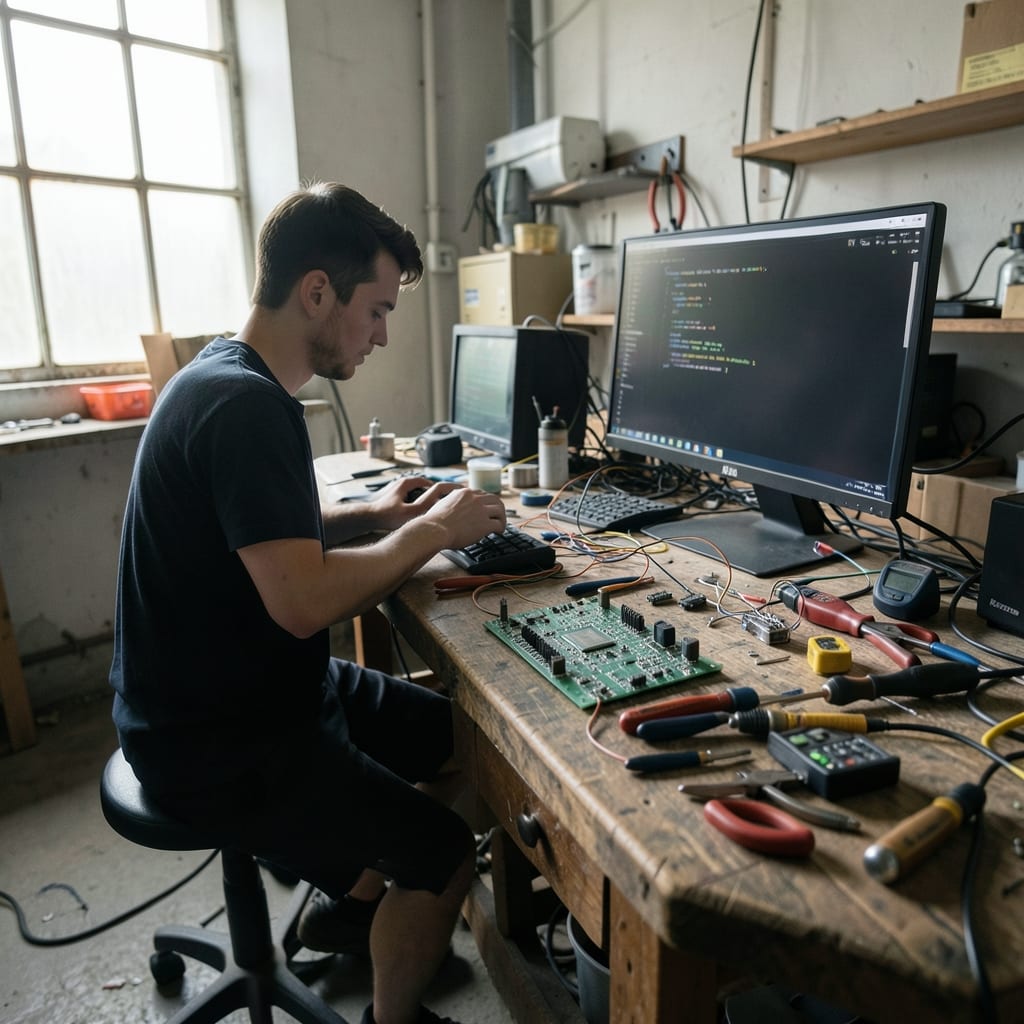
What this work is made with
This page is a list of things, not a story. A tech site depends on more than words—it lives in the machines and tools that shape the work, the hands that use them, and the wear that tells their truth. Here, we name what Table Formulas actually relies on.
This is where we publish: troubleshooting guides for stubborn software, reviews of hardware that either lives up to the hype or doesn’t, and tutorials for the tools most people don’t know they have.
Every piece of writing here is built on the things that make it possible—and the things that break it.
The things that do the work
Four objects keep this site running. They are not glamorous, not always reliable, and none of them were chosen for their looks. They were picked because they do the job, even when they fail.
The keyboard
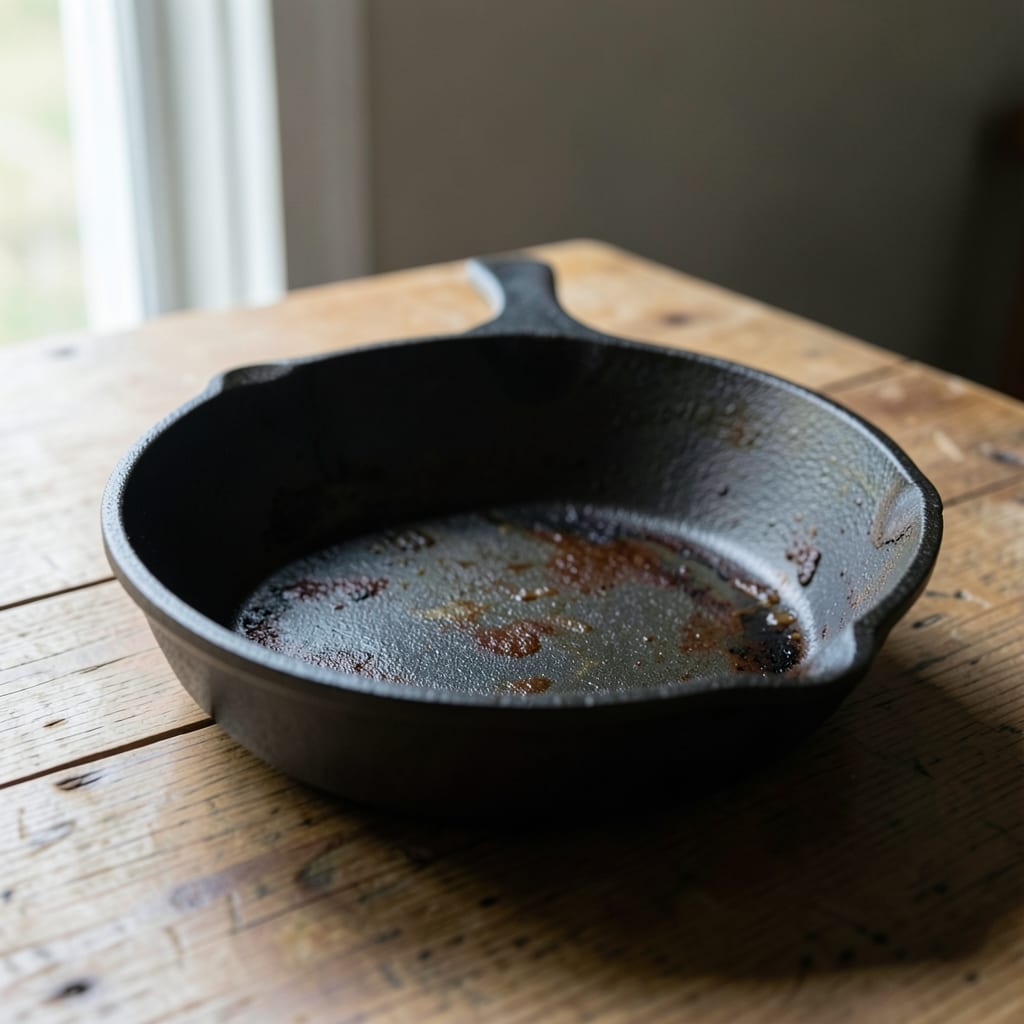
A 2012 Apple Extended Keyboard II, wired and plugged into a 2015 MacBook Pro. It’s missing two keys on the right side—one from a spill in 2017, another from a coffee ring in 2020—and the ‘F’ key sticks if you press too hard.
It’s been here since before the site launched. It’s the one I used to type out the first draft of every troubleshooting guide, long before I realised how many of those guides would end with ‘unplug and replug your keyboard.’
The external monitor
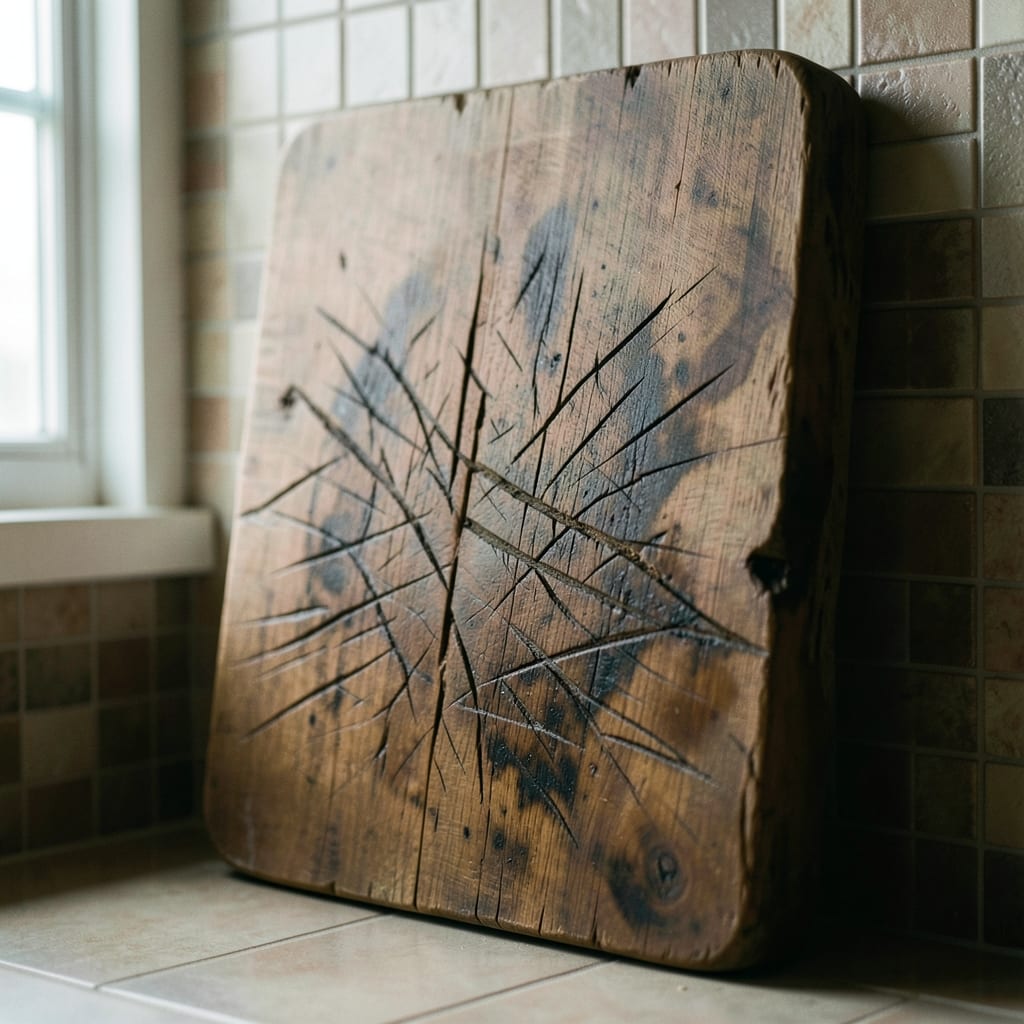
A 19-inch Dell E198WFT, cracked along the bottom-right corner from a dropped laptop in 2019. The backlight flickers when the room gets too hot, and the stand is held together with duct tape after the screws stripped out.
It’s been here since 2016, long before dual monitors became standard. It’s the one I use to compare two versions of the same software side by side—like Windows 10 vs. Windows 11 in a review, or the old Outlook vs. the new one in a productivity guide.
The flicker forces me to squint, which makes me notice details faster.
The USB hub
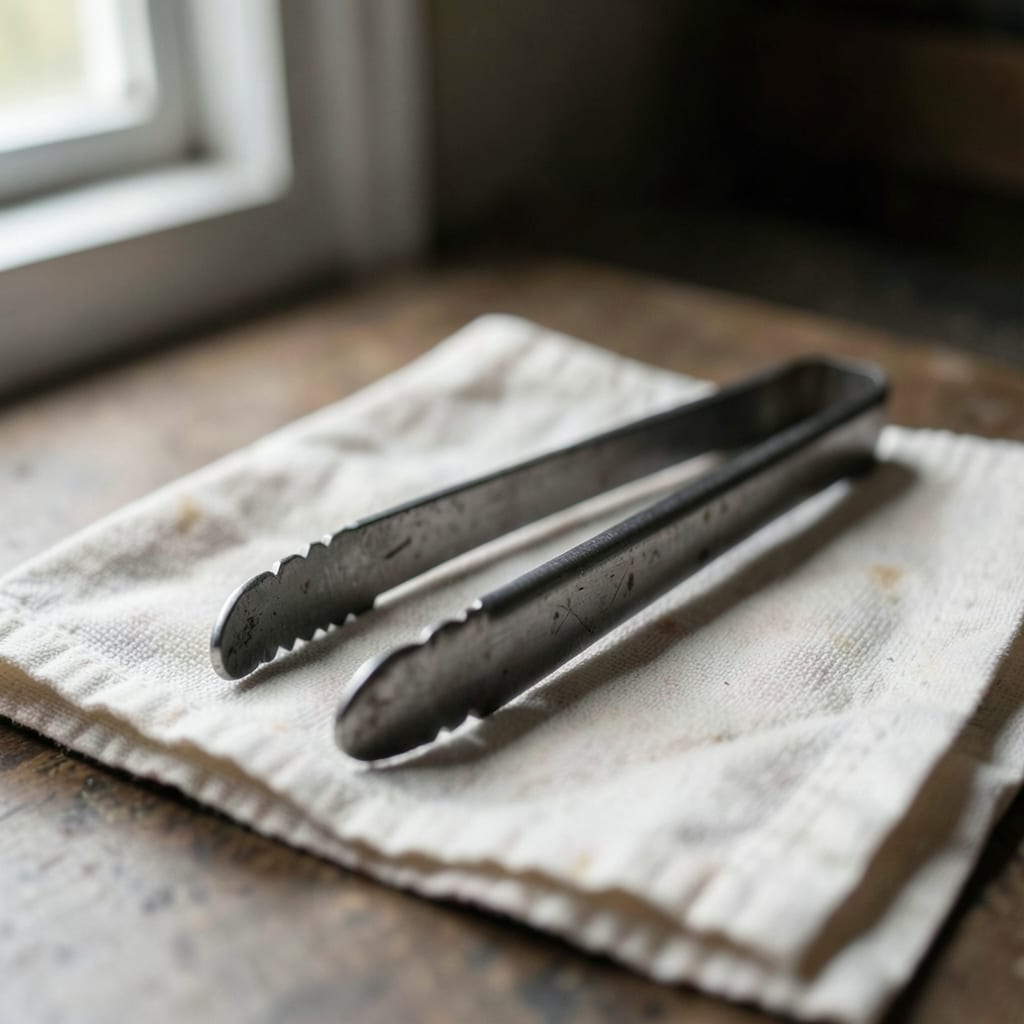
A cheap Anker 7-in-1 hub from 2014, missing one USB-A port (a victim of a failed Raspberry Pi project) and with a port that only works if you wiggle the cable while plugging it in. The plastic casing is yellowed from years of sunlight.
It’s been here since day one. It’s the one I use to test every peripheral we review—mice, keyboards, adapters—because if it fails, I know the problem is with the device, not the system. It’s also how I charge my phone when the laptop battery dies mid-write.
The Ethernet cable

A 10-meter Cat 5e cable, coiled under the desk and held together with zip ties that have stretched over time. The insulation is frayed in three places from being yanked too hard when troubleshooting network issues.
It’s been here since 2015, long before Wi-Fi 6 made wired connections seem obsolete. It’s the one I use to test every ‘your internet is slow’ guide, because nothing exposes flaky drivers or misconfigured routers like a direct, unfiltered connection. It’s also how I back up every draft before publishing.
What is not in the drawer
This work does without a few things that other sites lean on too heavily.
Deliberately absent
- A dedicated ‘best of’ list—no roundups of ‘top 10’ anything. Every recommendation here is earned, not ranked.
- Affiliate links in reviews. If we link to a product, it’s because we’ve used it, not because we get paid for it.
- Step-by-step screenshots for every guide. Some problems can’t be solved with pictures—sometimes you need the words.
Behind the scenes

I am Roxanne Halloran, the founder and editor of Table Formulas. I am the one who writes the guides, reviews the hardware, and answers the emails that arrive after a reader’s printer finally works.
I came to this from my dad’s old Windows 95 manuals—dog-eared, covered in highlighter, and full of notes about why things *should* work but didn’t. He handed them to me when I was twelve, and I’ve been fixing things (and documenting the fixes) ever since.
This work has given me a permanent crick in my neck from staring at screens for too long, a habit of muttering ‘just reboot it’ under my breath when things go wrong, and an inability to walk past a computer without noticing if the caps lock is on.
I am here to cut through the jargon and help people solve real problems—whether it’s fixing a stubborn printer, finally mastering keyboard shortcuts that save hours, or just figuring out why the computer is doing what it’s doing. No fluff, no assumptions, no ‘just click here.’ Just answers.
Why any of this matters to you
These things—the keyboard with the stuck keys, the flickering monitor, the jury-rigged USB hub, the frayed Ethernet cable—are why the guides here feel different. They’re written by someone who’s actually had to fix these problems, not just describe them.
The wear on these tools means the writing is tested, not just typed.
When you read a troubleshooting guide here, you’re not just getting steps. You’re getting the scars from the times those steps failed, the workarounds that actually work, and the quiet frustration of knowing how frustrating tech can be—and how to fix it.
Every page here is built on the same tools: real machines, real problems, and real solutions. No corporate jargon, no ‘just try this’ advice—just the things that have worked, and the things that haven’t, so you don’t waste time.
The guides are grouped by category: App, Coding, Hardware, Operating System, Outlook and PowerPoint.